
Achievements
Farm XP. Unlock Legendary rewards. Every achievement is a quest with a receipt.
What an achievement is
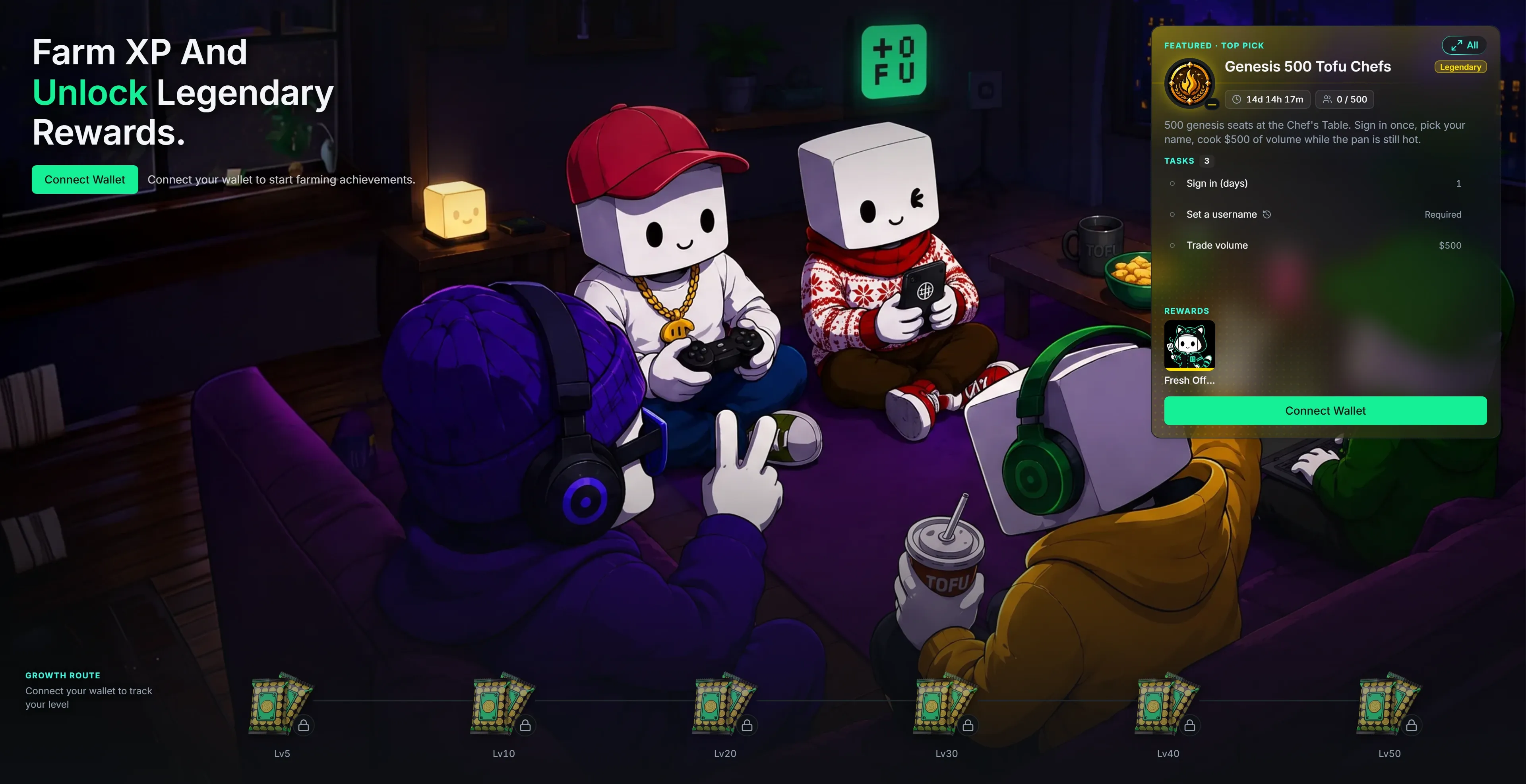
Section titled “What an achievement is”An achievement is a short checklist with a prize at the end. Clear the tasks, hit Claim, pocket the reward. Find them under Achievement in the top nav — the catalog is public, so you can window-shop before you even connect a wallet.
Every achievement carries a rarity, on the same palette as cosmetics:
Common → Rare → Epic → Legendary
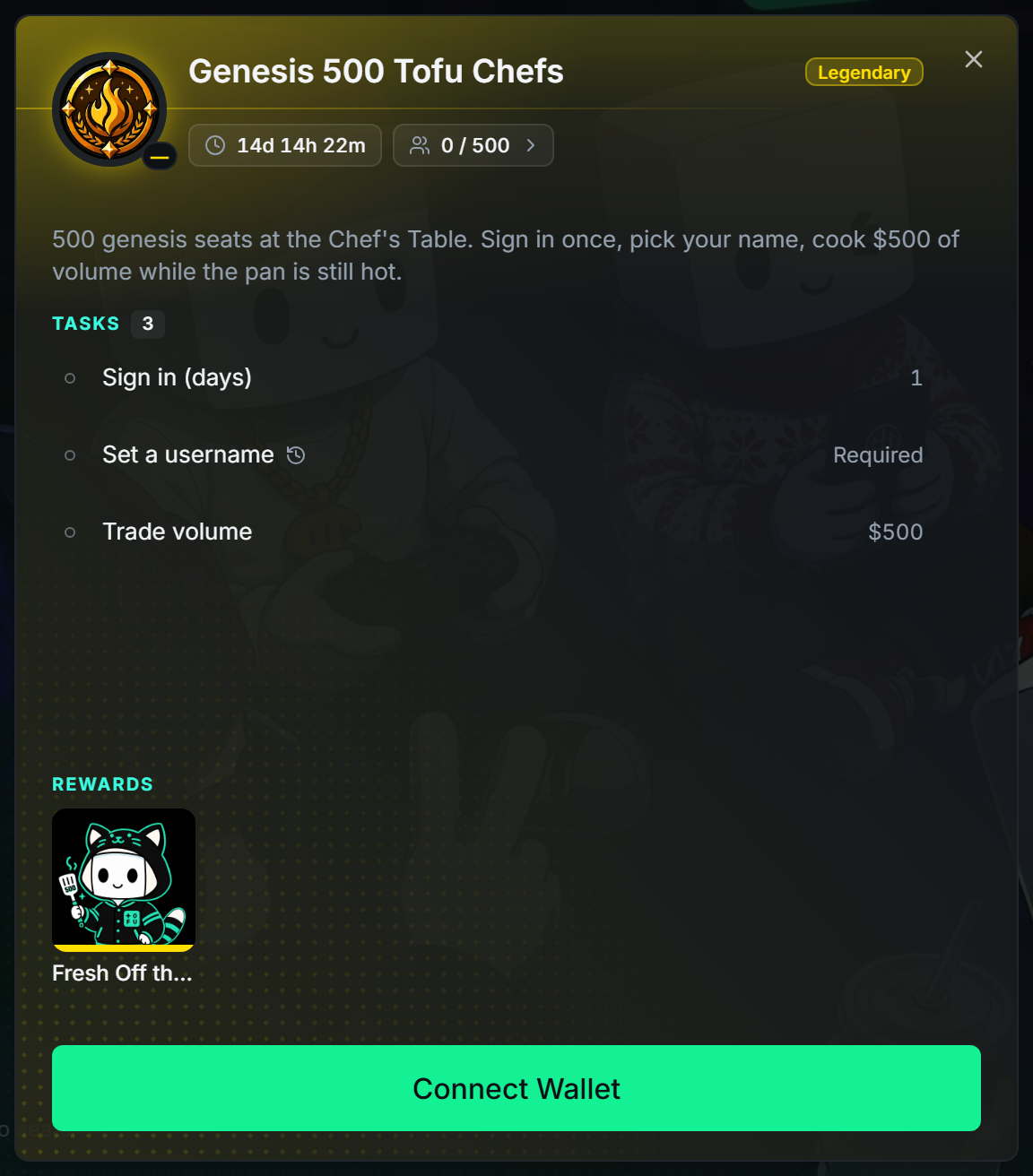
Open any achievement and you get the full card:
- Tasks — one or several: sign in for N days, set a username, trade $X of volume, reach a level. The progress ring tracks the whole thing; each row shows your number against the target.
- Rewards — items: avatars, frames, nameplates, danmaku styles, consumables. Tap a tile to inspect the product before you’ve earned it.
- Limits — a deadline countdown, a seat cap (
0 / 500), or both. Limited achievements are first come, first served — once seats are gone the card reads Full; past the deadline it reads Ended. - Completers — tap the seats pill to see who already made it in.
One detail worth knowing: a small history icon next to a task means it counts all-time activity — what you did before the achievement went live is already on the board. No icon means only activity inside the achievement’s own window counts.
The Growth Route
Section titled “The Growth Route”
Six reward packs sit along the bottom of the page, pinned to your level track: Lv5 · Lv10 · Lv20 · Lv30 · Lv40 · Lv50. The route line fills as you level; the pack you’re chasing glows green. Reach the level, the pack lights up, you claim it. Tap any pack to see its Pack contents before you get there — no mystery, just motivation.
Pack rarity climbs with the level, and the default emblem tells you the tier at a glance:




Featured & the full list
Section titled “Featured & the full list”The hero shows one Featured pick — whatever deserves your attention most: something you can claim right now, then a running limited-seat event, then the next Growth pack. Hit All to expand the full catalog, grouped by Growth · Onboarding · Trading · Social · Clan · Event, with a Status filter for Claimable, In progress, Upcoming, Claimed, and Ended. Upcoming achievements show a countdown to their start, so you can line up early.
Claiming
Section titled “Claiming”- Claiming is manual. When every task is done, the status flips to Claim — on the card, in the list, or on the Growth pack. Press it, the items land in My Warehouse & My Bags.
- Completion gets celebrated. A Common or Rare finish drops a toast; an Epic or Legendary finish takes over the screen with a full Achievement Unlocked reveal — same flash-and-rays language as opening a Trading Drop. Claim from there or hit Later.
- Sign in required. Anyone can browse the catalog, but progress and claiming need a signed-in wallet — see Connect & Enable Trading. Ghost Mode is read-only here.
- Your unlocked count shows on your profile banner, next to level and XP.
Receipts or it didn’t happen.