
Deposit & Withdraw
Your trading account settles in USDC. Getting funds in and out is a first-class flow, not a scavenger hunt.

Deposit
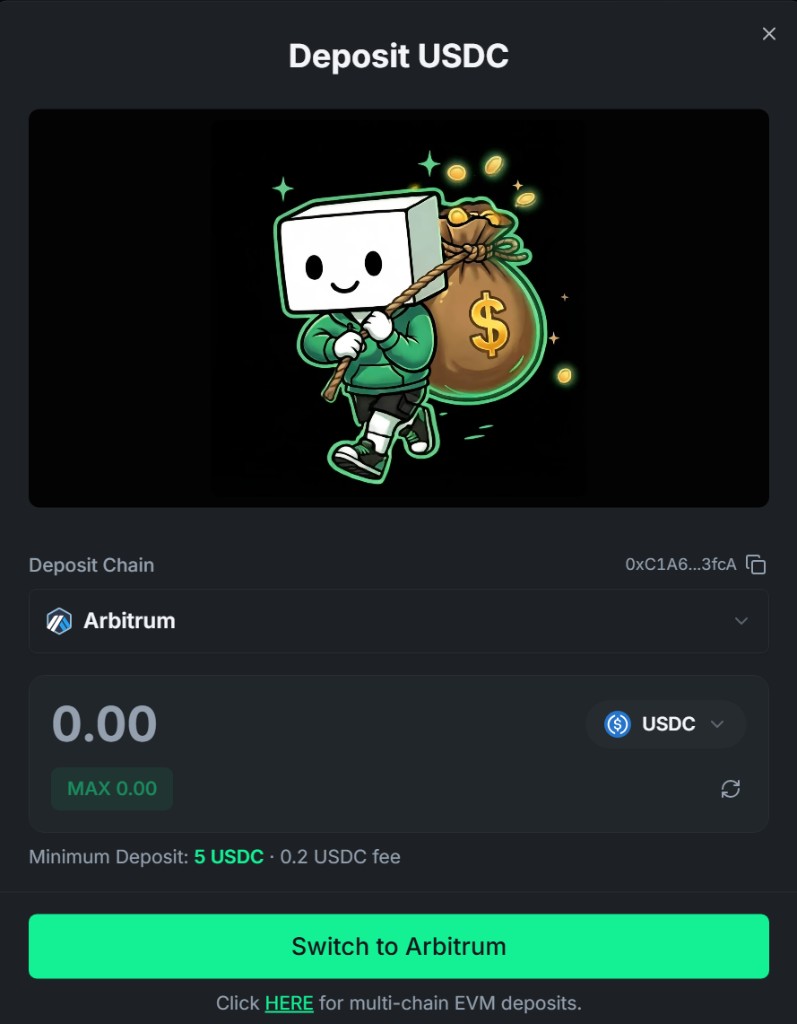
Section titled “Deposit”Open the Deposit dialog from the navbar (or your portfolio page):
- Deposit USDC from Arbitrum — the fastest, cheapest route into your trading account.
- The dialog shows your wallet balance, minimum deposit, and fee up front.
- Funds land in your trading account and are instantly available across all markets.
Withdraw
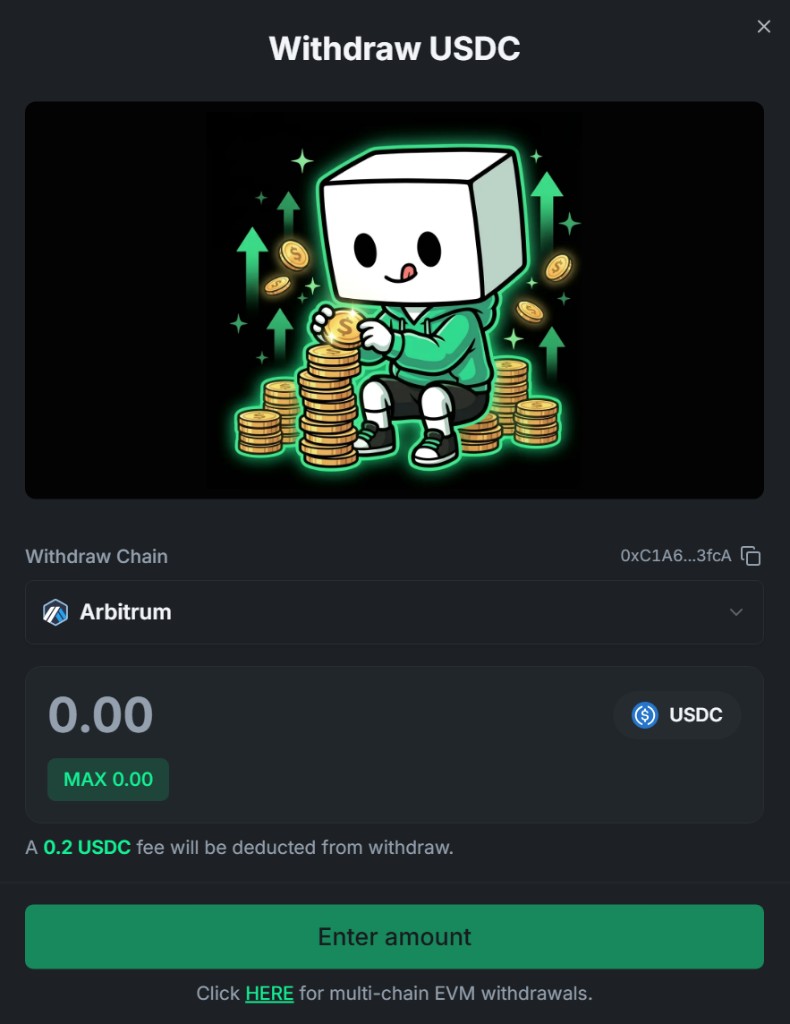
Section titled “Withdraw”Withdrawing takes your USDC back to your wallet on Arbitrum:
- Enter the amount, confirm in your wallet, done — it’s a gasless signature.
- Pick your withdrawal route from the dropdown: a fast default route or the legacy bridge, each with its own fee, minimum, and arrival time — all shown up front before you sign, no surprises.
- Need a different chain? The dialog links out to multi-chain EVM withdrawals via the built-in bridge.
Transfer
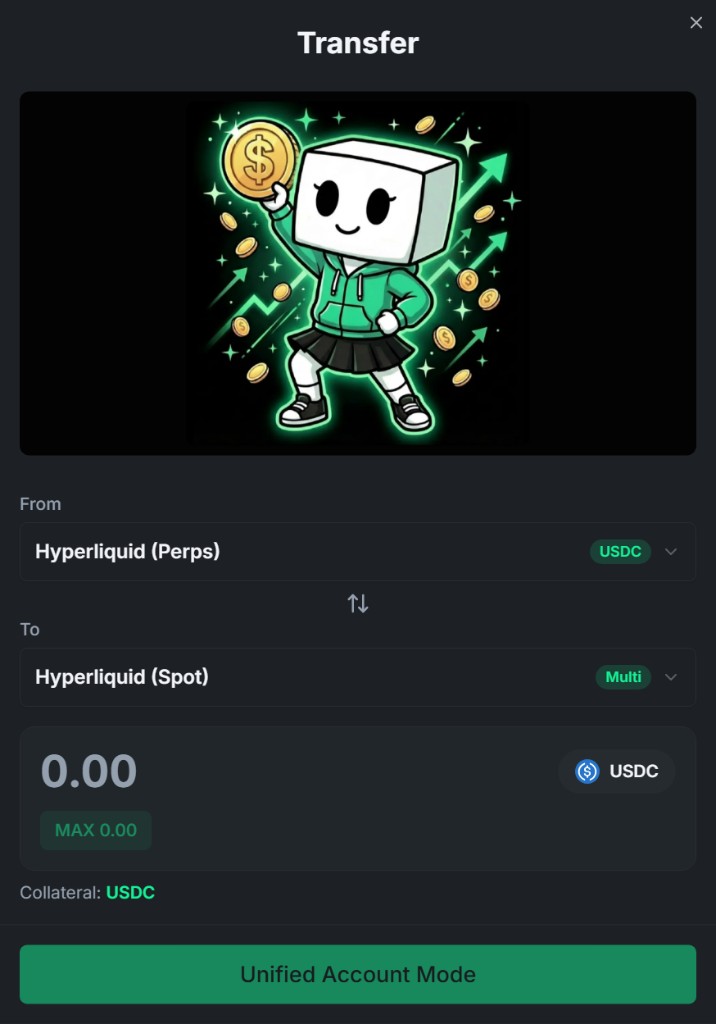
Section titled “Transfer”Transfer moves funds between your own account buckets (e.g., perps collateral ↔ spot) — instant, free, and signed with a gasless signature.
Whether you ever need it depends on your account mode:
- On Unified Account or Portfolio Margin mode, perps and spot balances are pooled into one shared ledger — nothing to move manually, so the Transfer button stays locked.
- On Manual mode, each bucket keeps its own balance — use Transfer to move collateral between Spot, Perps, and any HIP-3 dex you trade on.
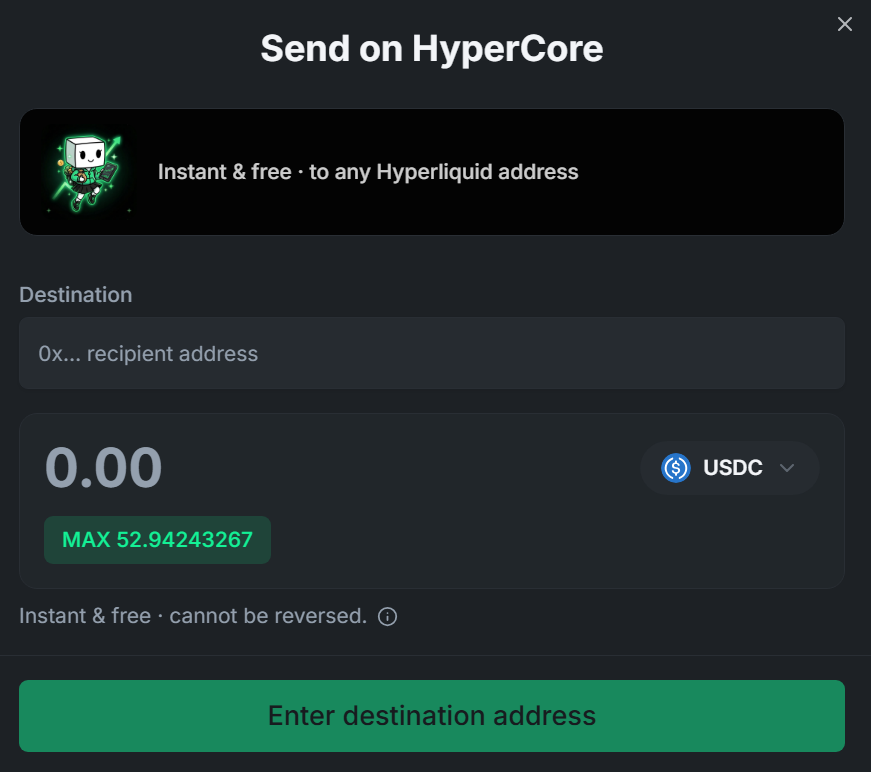
Send lets you pay other people directly: send spot tokens from your account to any Hyperliquid address — a friend, a clanmate, whoever earned it.
- Instant and free — it’s a gasless signature, not an on-chain transaction.
- Recent recipients are remembered, so paying your regulars takes seconds.
- The dialog guards against sending to system addresses, so a fat-fingered paste can’t burn your tokens.
EVM Transfer
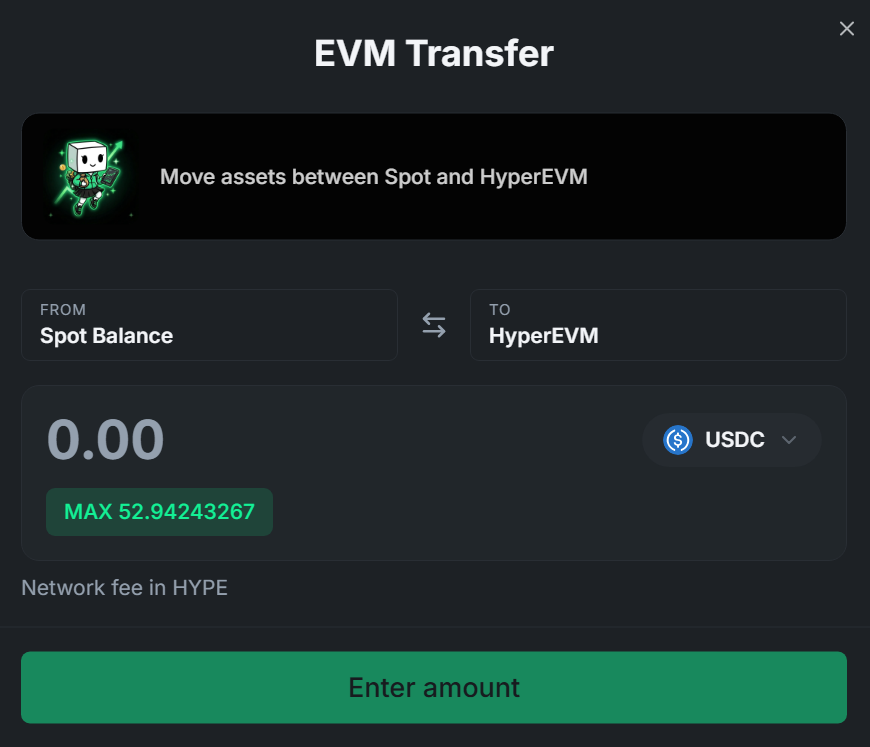
Section titled “EVM Transfer”Moving assets between your trading account and HyperEVM works in both directions from one dialog — pull tokens out to the EVM side, or bring them back to spot when it’s time to trade. The network fee is paid in HYPE.
Bridge
Section titled “Bridge”Coming from another chain? The built-in Bridge page routes assets to Arbitrum USDC so you never leave the platform to top up.
All balances, deposits, and withdrawals are visible in your Portfolio with full history.