
Connect & Enable Trading
Three steps stand between you and your first HYPE: Connect → Sign in → Enable trading. The whole thing takes under a minute, and none of it costs gas.
1. Connect your wallet
Section titled “1. Connect your wallet”Click Connect in the top-right corner and pick your weapon — MetaMask, Coinbase Wallet, OKX Wallet, Rainbow, WalletConnect, and every major EVM wallet are supported. On mobile, a native connect sheet hands you straight to your wallet app.
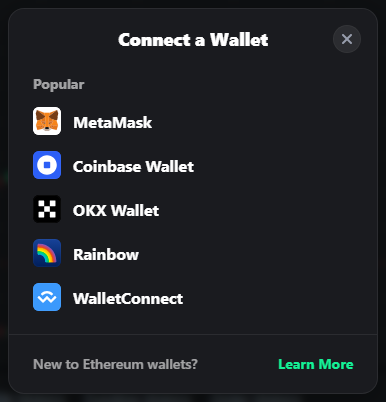
Connecting is read-only and free: no transaction, no signature. You can browse every market, chatroom, and leaderboard before committing anything.
2. Sign in to TOFU
Section titled “2. Sign in to TOFU”The moment your wallet connects, the setup checklist opens — Connect ✓ → Sign in → Enable trading — and parks on step 2. Hit Sign in and approve a single message in your wallet (a standard SIWE signature).
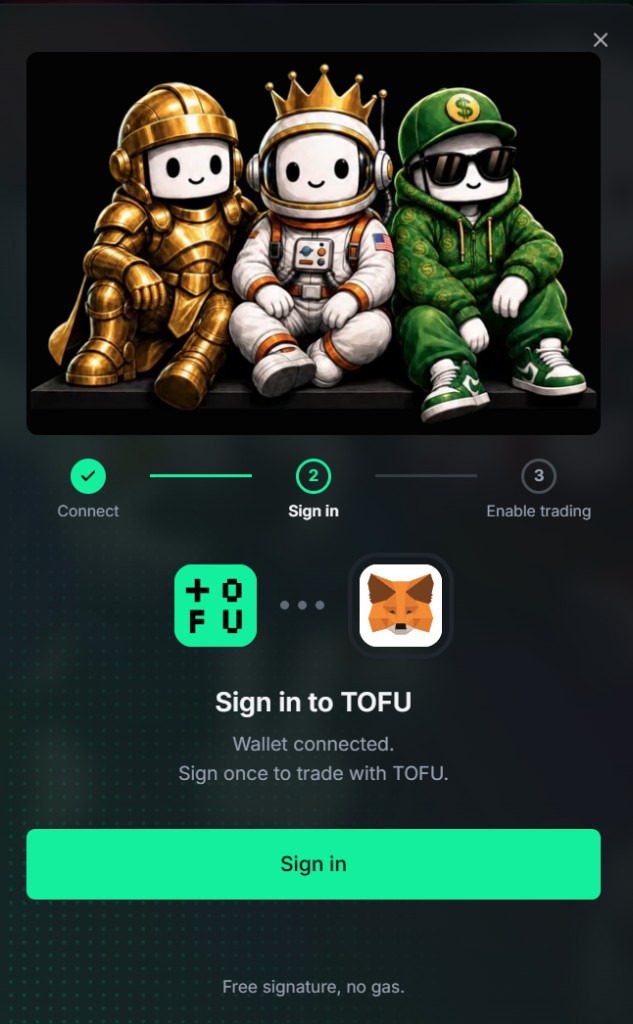
- Free signature, no gas. You’re signing a message, not sending a transaction.
- This links your wallet to your TOFU identity: your level badge, avatar, XP, achievements, chat, and danmaku all hang off this sign-in.
- Declined by accident? Sign in whenever you’re ready — the checklist waits.
- Already signed in with this wallet before? The checklist skips straight to step 3. All three done? It closes itself.
3. Enable trading
Section titled “3. Enable trading”Before your first order, you’ll be asked to Enable Trading — a one-time guided flow of up to four steps:
- Legal Check — accept TOFU’s Terms of Service. One tap, no signature.
- Account Activation — your Hyperliquid account needs a deposit or past activity. Fresh wallet? Deposit any amount; funds stay in your own account.
- Approve TOFU Platform — sign once to authorize TOFU as your builder. The builder fee cap is shown right in the dialog.
- Enable Trading Session — create a gas-free session key for instant, low-latency trading.
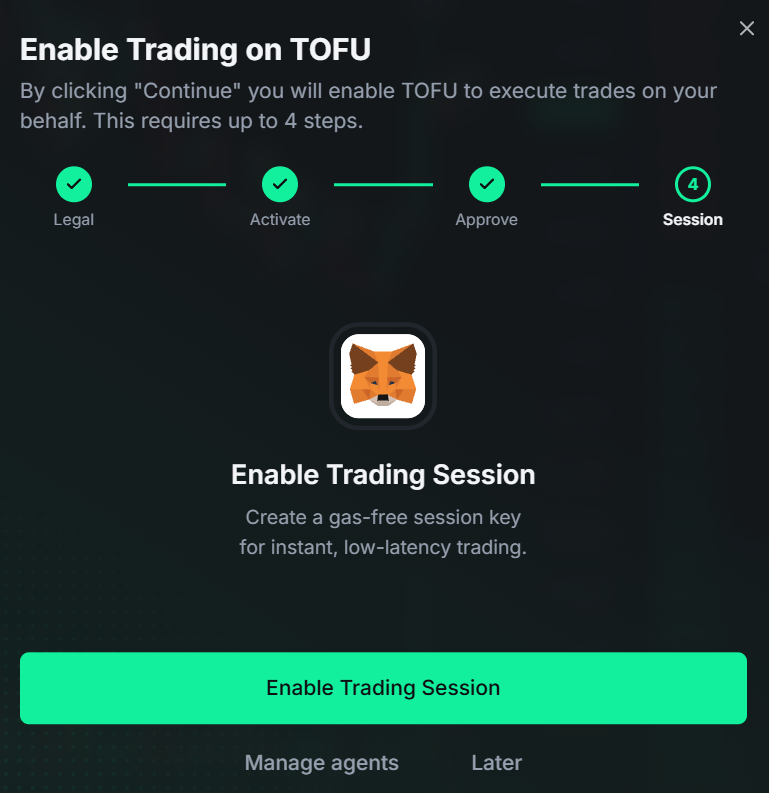
- Every step is a signature, not a transaction — no gas cost.
- The session key means you don’t have to sign every single order in your wallet. Trading stays one-click fast.
- Your funds always remain under your control.
- Not ready? Hit Later. Enable Trading stays one click away in your avatar menu until you finish it.
- Wallet says its agent slots are full? Use Manage agents to remove an old one, then retry.
Next: fund your account → Deposit & Withdraw